Don't just attend.
Show up.
Create a display picture for your event. Add your photo, make it yours, and give your next gathering a face.
 GOOD PEOPLE.
GREAT EVENING.
COMING.
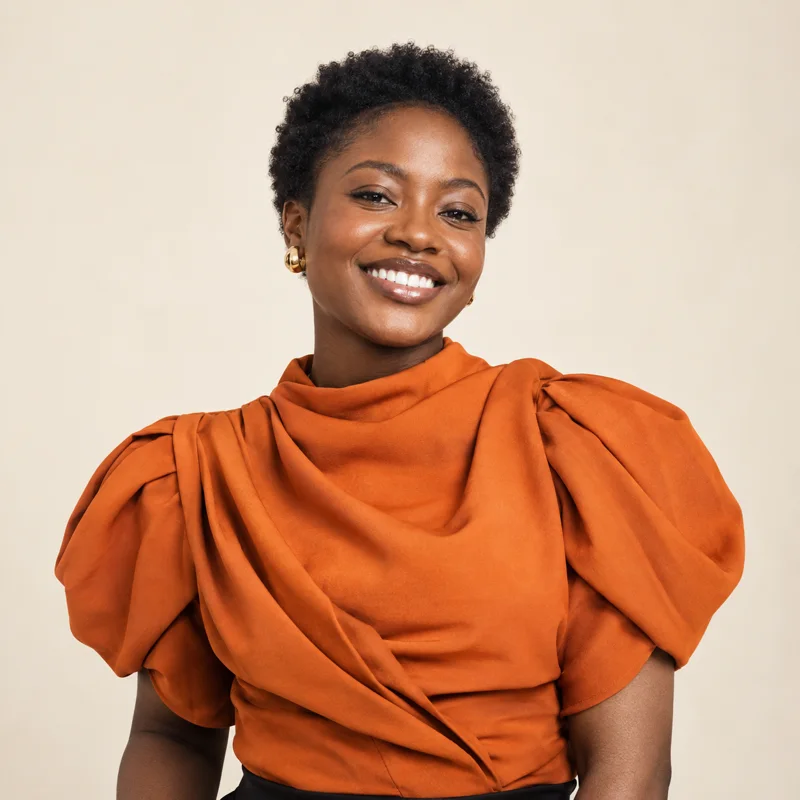
IT YOURS ✳Your face belongs here.
A starting point.
Not a blank canvas.


Three steps.
Then you're in.
Pick your frame
Choose an event DP template from the collection.
Put yourself in it
Import your Shows.ng event link, upload your photo, and add your name.
Take it with you
Download your PNG and share it wherever your people are.
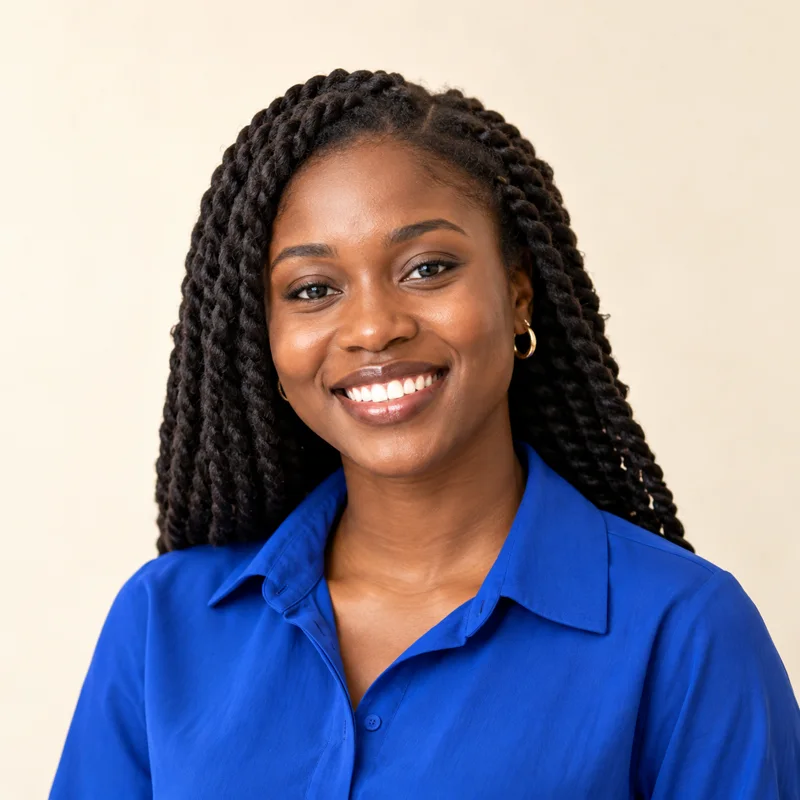 Start with a photo you love.↗
Same event.
Only you.
A name on a guest list is one thing. Your face on an event DP is another. Upload your photo and position it inside your chosen design.
Find your frame ↗Looks different
with your name.
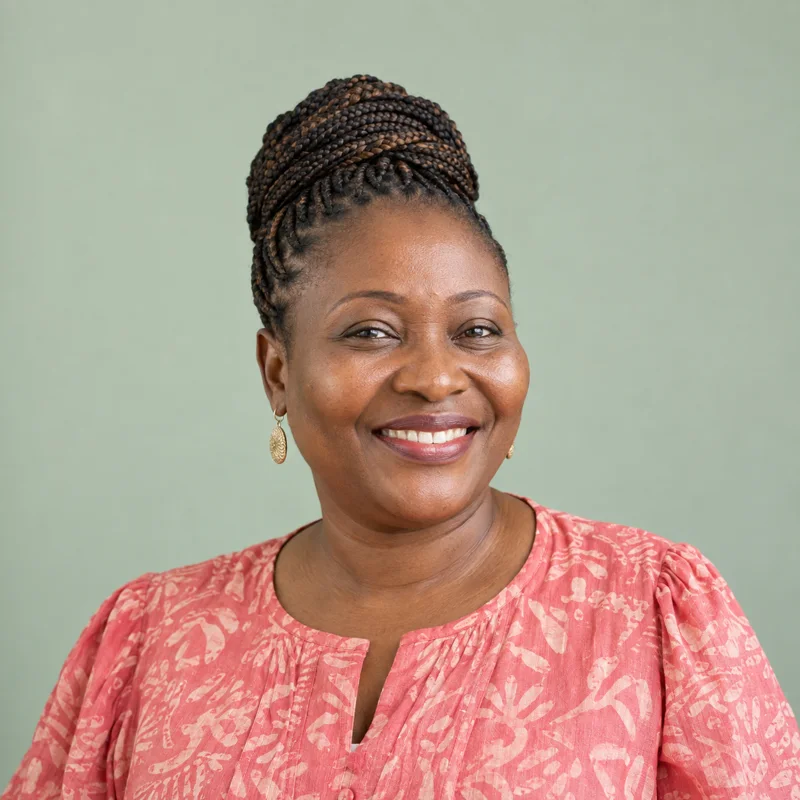
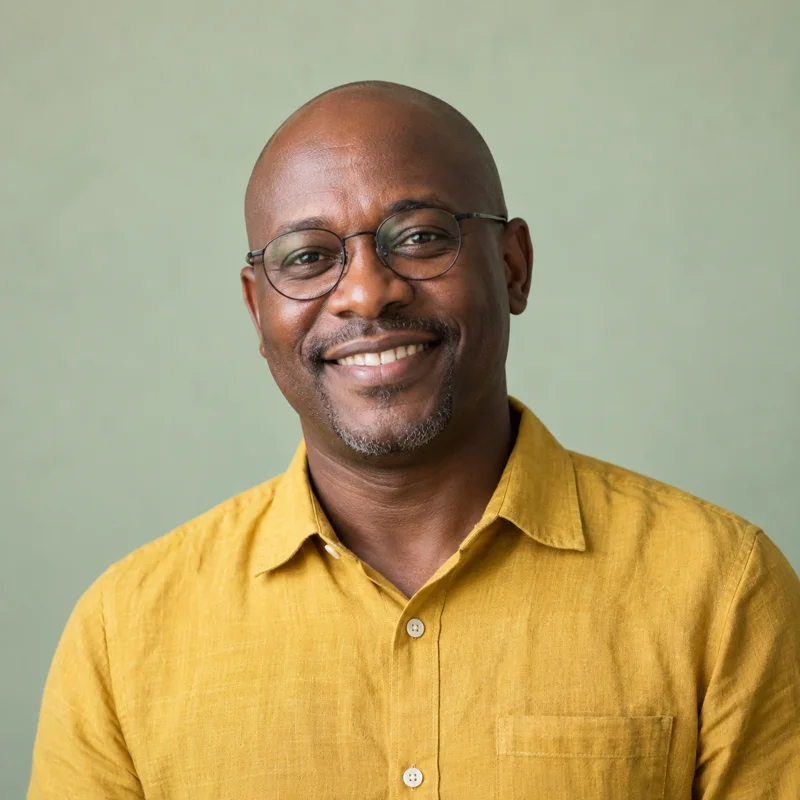
Try this sample, then choose a template to create your own.
Create a downloadable DP ↗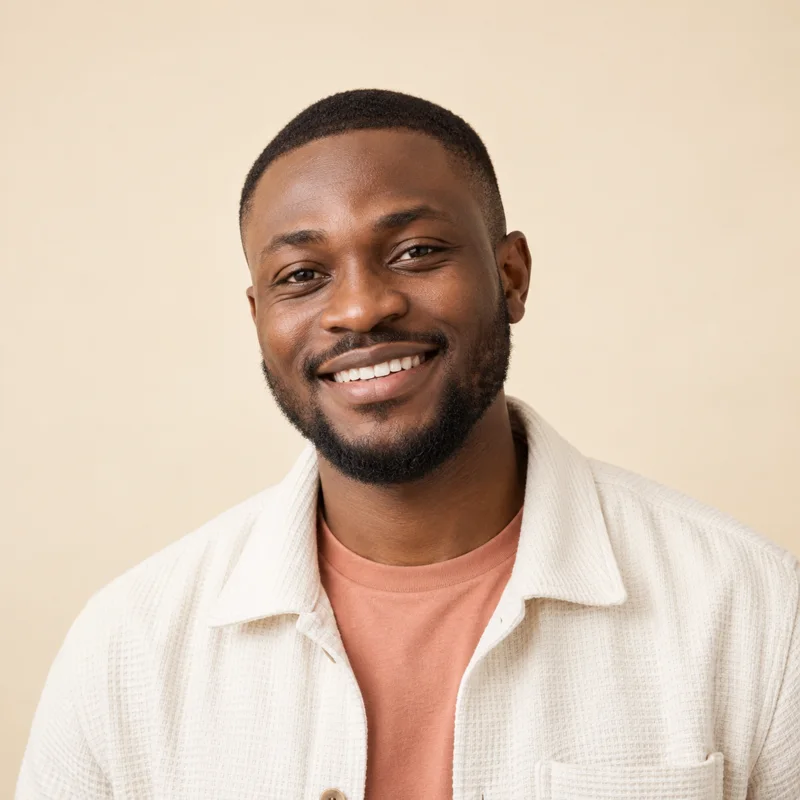 AdaCOUNT ME IN.
Less typing.
More creating.
Import a Shows.ng event link to bring in the event name, date, time, and location. Add your photo and name to finish your DP.
Start with an event link ↗Quiet confidence.
Or full colour.
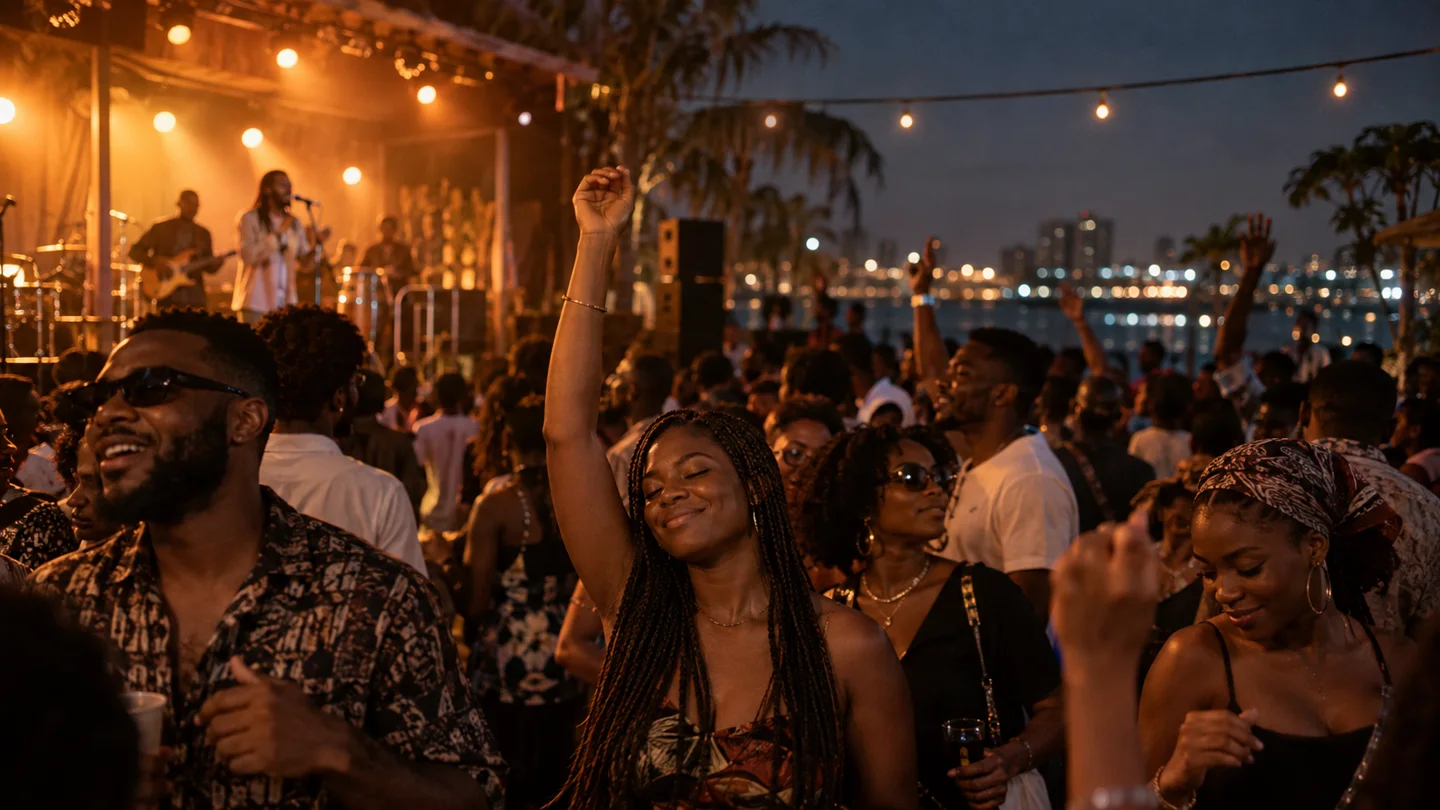
The gathering starts
before you get there.
Share your event DP and let your friends know you're coming.
Give your guests
a way to join in.
Share your Shows.ng event link with attendees so they can create a personal display picture with the same event details.
Create a Shows.ng event ↗Rather talk
it through?
The chat assistant guides you through your event link, template, name, and photo. Follow the prompts to create your DP.
Open the chat assistant ↗Yours to download.
Export your finished DP as a PNG. Save it on your phone or computer and post it when you're ready.
Let your people
see it.
Use your downloaded DP as a profile picture or share it in a post, story, or group conversation.
Before you
get started.
What is an event DP?+
An event display picture combines your photo and name with an event design. You can use it as a profile picture or share it to show you're attending.
Do I need a Shows.ng event link?+
Yes. Copy your event page link from Shows.ng, then import it in the editor or chat assistant.
Can I change my photo?+
Yes. Upload your photo in the editor and adjust its position in your chosen template.
What file will I download?+
Your finished display picture downloads as a PNG image.
Can I create a DP on my phone?+
Yes. Open a template in your mobile browser, add your photo and details, then download the finished image.